
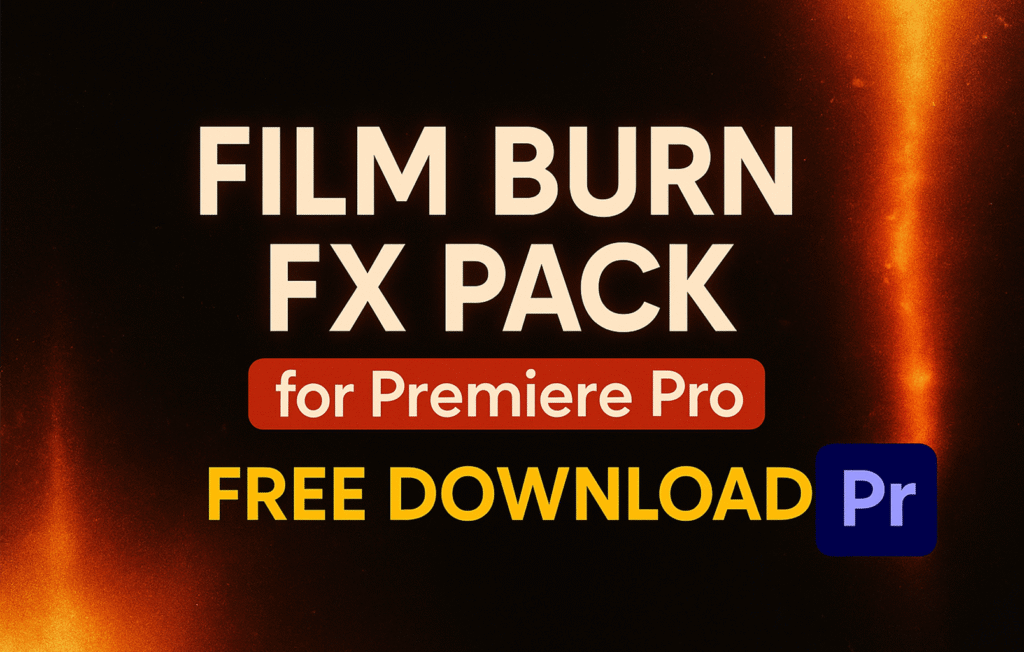
Video editing is not just about cutting and trimming clips — it’s about storytelling. One of the most powerful ways to tell a story is through transitions. Among the most popular and stylish transitions of 2025 are the Film Burn Transitions FX for Adobe Premiere Pro.
In this blog, we’ll provide:
✅ What Film Burn Transitions are
✅ Why they’re useful for editors
✅ Pack features
✅ Step-by-step tutorial on how to use them
✅ Free download link
✅ FAQs and pro tips
🔥 What Are Film Burn Transitions?
Film burn transitions are inspired by the organic light leaks and burns that appeared when old film reels were exposed to light. These natural imperfections created a glow, flare, or fade effect between shots.
In digital editing, these effects are simulated to give a retro, vintage, and cinematic vibe.
They are widely used in:
- 🎞️ Music videos
- 🎥 Cinematic trailers
- ❤️ Wedding highlights
- ✈️ Travel vlogs
- 🎬 Short films & retro edits
🎨 Features of the Film Burn Transitions Pack
This free Premiere Pro pack includes:
- 🌈 25+ Film Burn Transitions & Overlays
- 🎞️ Drag & Drop ready
- 💻 Works with Premiere Pro CC 2019 and above
- 📂 High-resolution files (4K & Full HD support)
- ✨ Realistic film burns, vintage light leaks, warm glows
- ⚡ Fast rendering
- 🎶 Perfect sync with background music
- 🔥 No plugins required
📥 Free Download Link
👉 Download Film Burn Transitions FX Pack Here:
(100% Safe & Tested. Compatible with Premiere Pro CC 2019+)
🎬 Step-by-Step Tutorial – How to Use Film Burn Transitions in Premiere Pro
Follow these easy steps to apply Film Burn Transitions in your projects:
Step 1 – Download & Extract
- Click on the link above.
- Extract the ZIP file on your PC.
Step 2 – Import Files into Premiere Pro
- Open Premiere Pro.
- Go to File > Import.
- Import the Film Burn folder.
Step 3 – Apply the Transition
- Place the Film Burn clip on a layer above your video.
- Change the blending mode to Screen or Add for the glow effect.
Step 4 – Customize Settings
- Adjust opacity, duration, and speed.
- Try different burn overlays for variation.
Step 5 – Export Your Video
- Export in 1080p or 4K for cinematic quality.
💡 Pro Tips for Using Film Burn Transitions
- Blend with Music – Use film burns on beats for rhythmic edits.
- Color Grading – Warm tones work best for retro effects.
- Layering – Stack multiple burns for creative looks.
- Use for Storytelling – Apply at emotional moments for cinematic depth.
- Mix with Other FX – Combine with Light FX for futuristic styles.
📊 Why Film Burn Transitions Are Popular
Film Burn FX are popular in 2025 because:
- They add organic imperfections that make digital edits feel natural.
- They create a warm, nostalgic, and cinematic mood.
- Editors love them for wedding highlights, travel videos, and music edits.
